
What Is a Cloud PBX and Why Should Small Teams Care?
If you have been researching business phone systems, you have probably come across the term PBX and wondered what it actually means for a small team. The short answer is that a cloud PBX gives you the call routing and management capabilities of a large enterprise phone system without owning any hardware or paying an IT team to run it.
If you already know the basics of VoIP cost comparisons, a cloud PBX is essentially the brain that sits on top of it and manages how calls move around your business.
What Does PBX Actually Mean?
PBX stands for Private Branch Exchange. It is a private telephone network used within a company. A PBX handles call routing between internal extensions, manages incoming calls from outside, and controls features like hold music, call queues, and transfers.
In the old model, a PBX was a physical box that sat in your server room. It was expensive to buy, complicated to configure, and required a specialist to maintain. A system for a 20-person office could easily cost $10,000 to $30,000 upfront.
A cloud PBX does all the same things but runs entirely on servers managed by your provider. You access it through the internet. There is no box in your office.
How Does a Cloud PBX Work?
When a customer calls your business number, the call hits your cloud PBX first. The PBX checks your routing rules and decides what to do with that call. Depending on how you have set things up, it might:
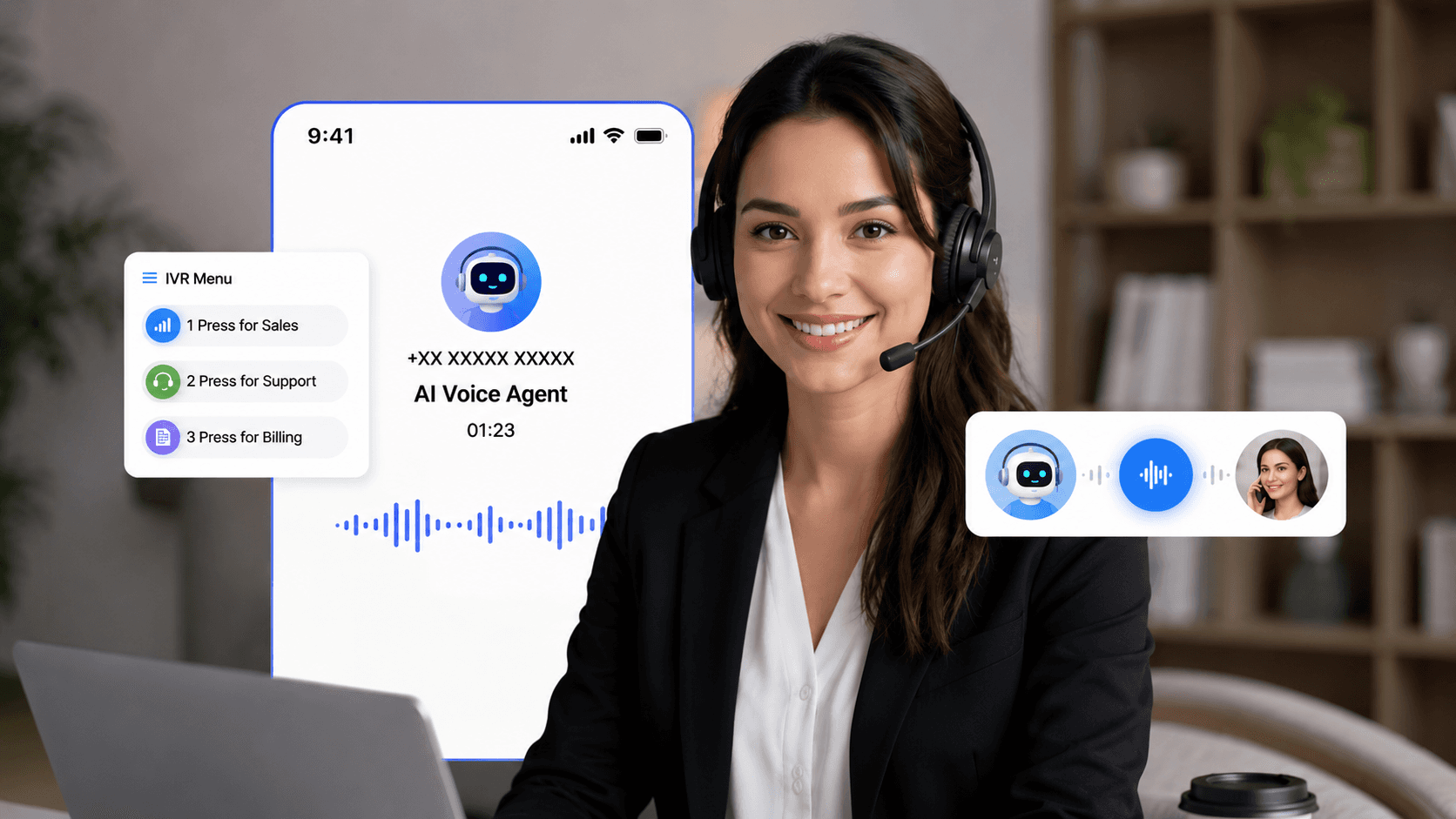
Play a greeting and present a menu (press 1 for sales, press 2 for support)
Route the call directly to a specific team member
Put the caller in a queue if everyone is busy
Forward the call to a mobile number if no one answers
Send the call to voicemail with transcription
All of this happens in the cloud, instantly, without any hardware involved on your end.
Cloud PBX vs Traditional PBX
Traditional PBX | Cloud PBX | |
|---|---|---|
Hardware required | Yes, $10,000 to $30,000 | No |
Setup time | Days to weeks | Hours |
Maintenance | Your IT team or a contractor | Handled by provider |
Scalability | Add physical lines one by one | Add users in minutes |
Remote work support | Limited | Full, works on any device |
Monthly cost | Maintenance ongoing | $15 to $40 per user |
Why Does This Matter for Small Teams?
Traditional PBX systems were designed for large companies. The hardware costs alone put them out of reach for most small businesses. So small teams either went without proper call routing or paid for a watered-down system that barely worked.
Cloud PBX changes that completely. A 5-person startup can now have the same call routing, auto attendant, and call queue features that a 500-person enterprise uses. And they pay per user, so the cost scales with the team.
For a team of 5, a cloud PBX plan typically runs $75 to $200 per month total. For a team of 20, it scales to $300 to $800 per month. No hardware investment, no maintenance contract, no IT overhead.
Key Features Your Team Actually Uses
Most cloud PBX platforms include a core set of features that make a real difference for small teams:
Auto attendant. A professional greeting that routes callers to the right person or department without needing a receptionist. You record a short menu and the system handles the rest.
Extensions. Every team member gets their own extension. Callers can reach them directly or transfer between team members easily.
Call queues. When multiple callers reach out at the same time, they wait in line with hold music instead of getting a busy signal. You can set max wait times and overflow rules.
Call forwarding. Calls follow your team wherever they are. If someone is out of the office, calls forward to their mobile. No missed calls.
Voicemail to email. Voicemails arrive as audio files and text transcriptions in your inbox. You can read a voicemail in 10 seconds instead of listening to it.
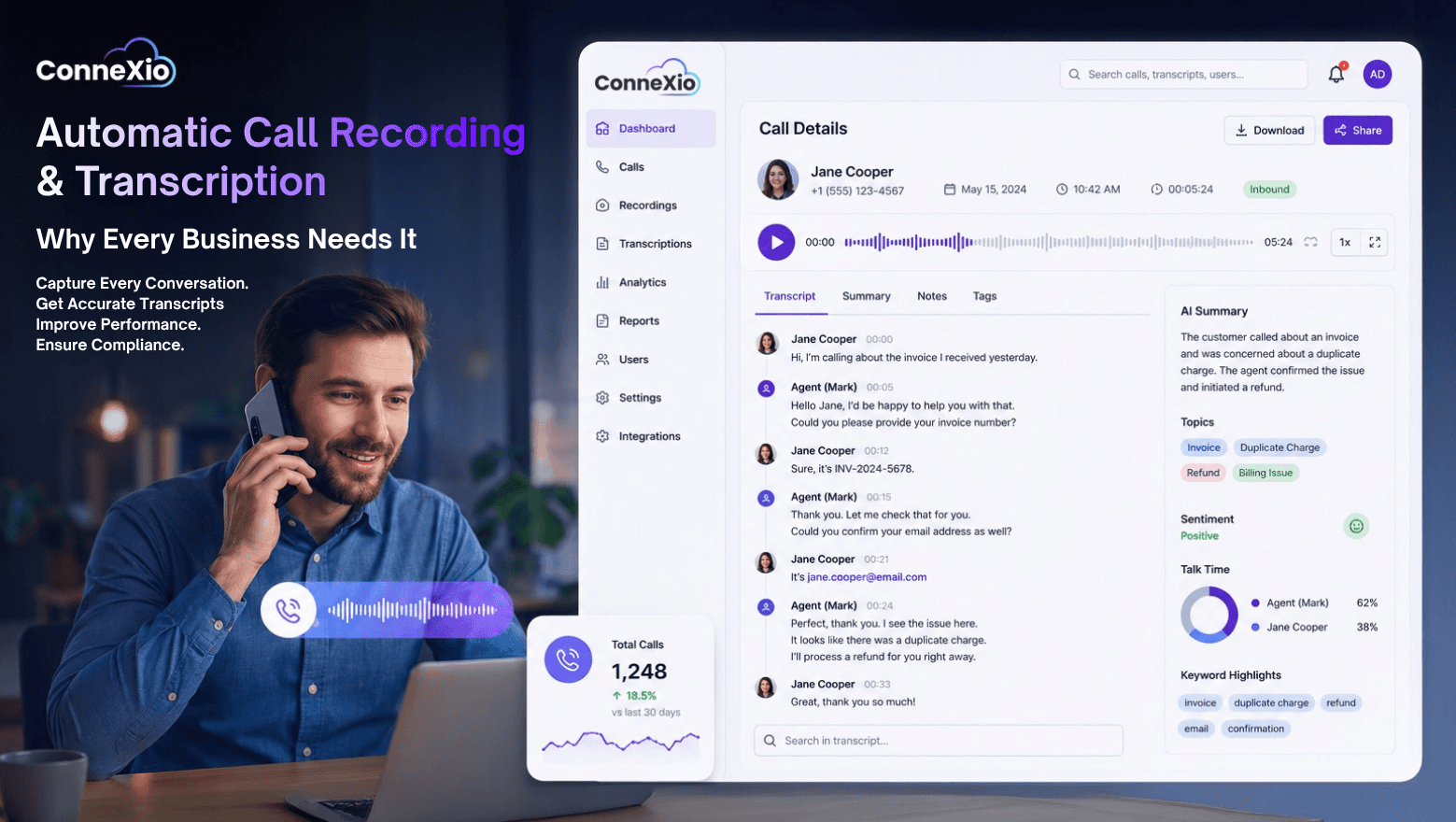
Call recording. Record calls for training, compliance, or just keeping a record of what was discussed with a customer.
Do You Need Special Hardware?
No. Most cloud PBX systems today are completely softphone based. Your team installs an app on their computer or phone and they are on the system. No desk phones required.
If you prefer physical desk phones, most providers support standard IP phones that connect over your ethernet network. These are optional and cost $50 to $200 per device.
How Long Does Setup Take?
For a small team, setting up a cloud PBX typically takes a few hours. You create an account, add your team members, record your auto attendant greeting, and configure your routing rules. Most providers have setup wizards that walk you through the whole process.
Compare that to a traditional PBX installation which often takes days and requires a technician visit.
Is a Cloud PBX Right for Your Team?
If your business takes inbound calls from customers, a cloud PBX is worth having from day one. Even a 2-person team benefits from a professional auto attendant and the ability to route calls properly.
As your team grows, the system grows with you. Adding a new team member takes minutes, not days. And because everything is cloud-based, your team can work from anywhere and still be fully connected to the business phone system.
ConneXio Cloud includes a full cloud PBX with every plan, starting from day one. Auto attendant, call queues, extensions, and call recording are all included with no extra fees.
🗓️
☎️
💬
All-in-one-Solutions!
Dialer, Omni-Channel Tools, CRM, Workforce Management, Real Time Analytics And More...
Comperation
Related Posts
Tips, product updates, and insights to help you get more out of ConneXio Cloud